

Best for this device
Windows
Launcher + installer
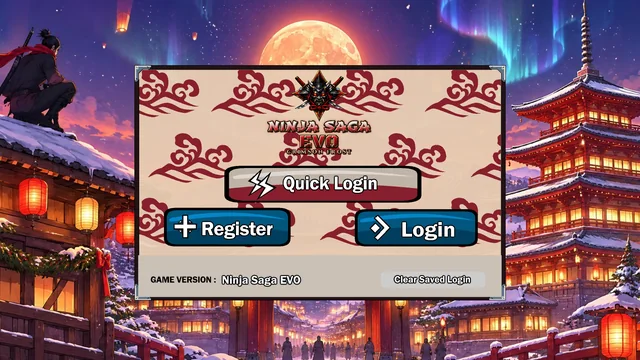
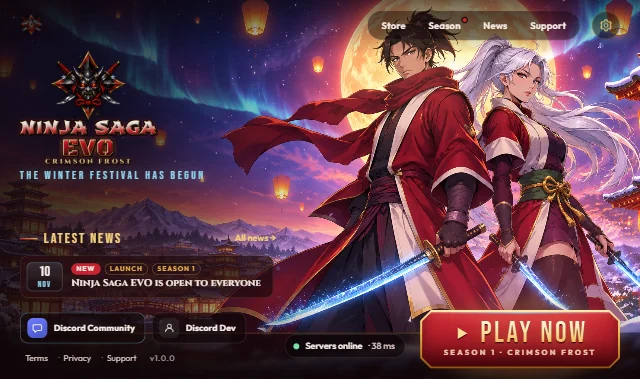
- Its own full-screen window and a desktop shortcut
- News, server status and a big play button
- Tells you when a new version is ready
- Version
- 1.0.0
- Size
- 46.6 MB
- Released
- Needs
- Windows 10 or 11 (64-bit) with the Microsoft Edge WebView2 Runtime
SHA-256
Download for Windows
408fad260c491267feba7dcee758a7fb5479a380d8e131af38713f4adb1bda85
NinjaSagaEVO-Setup-1.0.0.exe · 46.6 MB
Windows says “Windows protected your PC”?
The installer is not code-signed yet, so SmartScreen does not know its publisher and shows a blue warning. That is expected for this build.
- Click More info.
- Check that the app is
NinjaSagaEVO-Setup-1.0.0.exe. - Click Run anyway, then follow the setup.
Setup installs just for you (no admin rights) and links to Microsoft’s WebView2 Runtime if your PC still needs it. Want to be sure the file is genuine? Compare its SHA-256 with the one above: in PowerShell run Get-FileHash .\Downloads\NinjaSagaEVO-Setup-1.0.0.exe.